
References
Configure VMWare Horizon Client Connections | Alkane (alkanesolutions.co.uk)
Overview
Inspired by Kai’s blog article, this solution is intended to briefly highlight a simple method for setting a list of Horizon Client Connections.
The MRBroker registry key is used to set a single default connection server, however, looking at VMWare’s documentation, there doesn’t appear to be a supported method to set more than one. So, to work around this, we’ll configure pref.txt under the Horizon Client’s AppData folder to specify ‘Recent’ connections which will show in the client.
How to
- Set your client connections in the Horizon Client as desired.
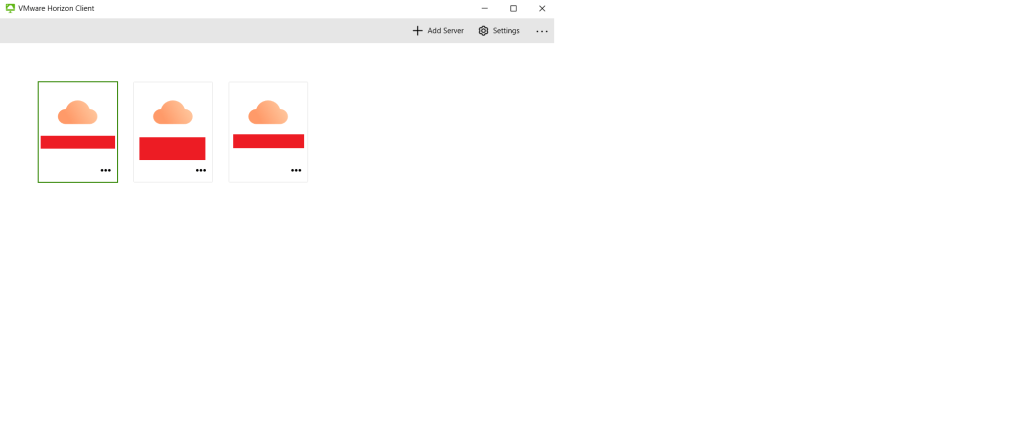
- Close the Horizon Client and navigate to %Appdata%\VMware\VMware Horizon View Client
- Prefs.txt stores the names of Connection Servers add via the Horizon Client for that particular user. To replicate that configuration, replace the existing prefs.txt on all required endpoints with the version you’ve modified through the Horizon Client. We use Group Policy to do this, but you could also consider MECM or Intune depending on your environment.
Note
- Consider your method of deployment. A group policy ‘Replace’ preference will overwrite any changes the user may make to the list of client connections. Does this fit with your requirements? Consider making the required adjustments.
 JW Blog